
N-VERB
The reverb from the dark side.
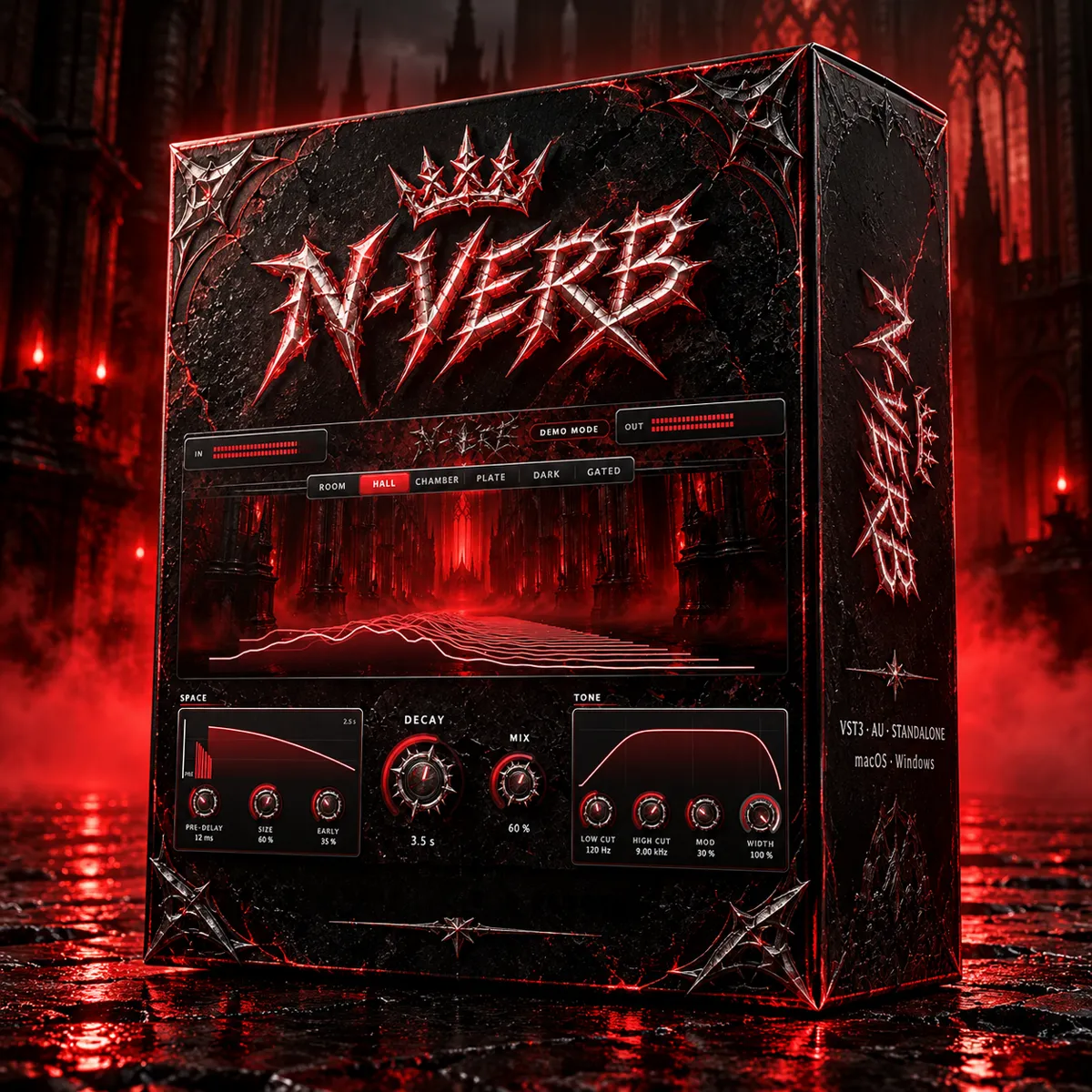
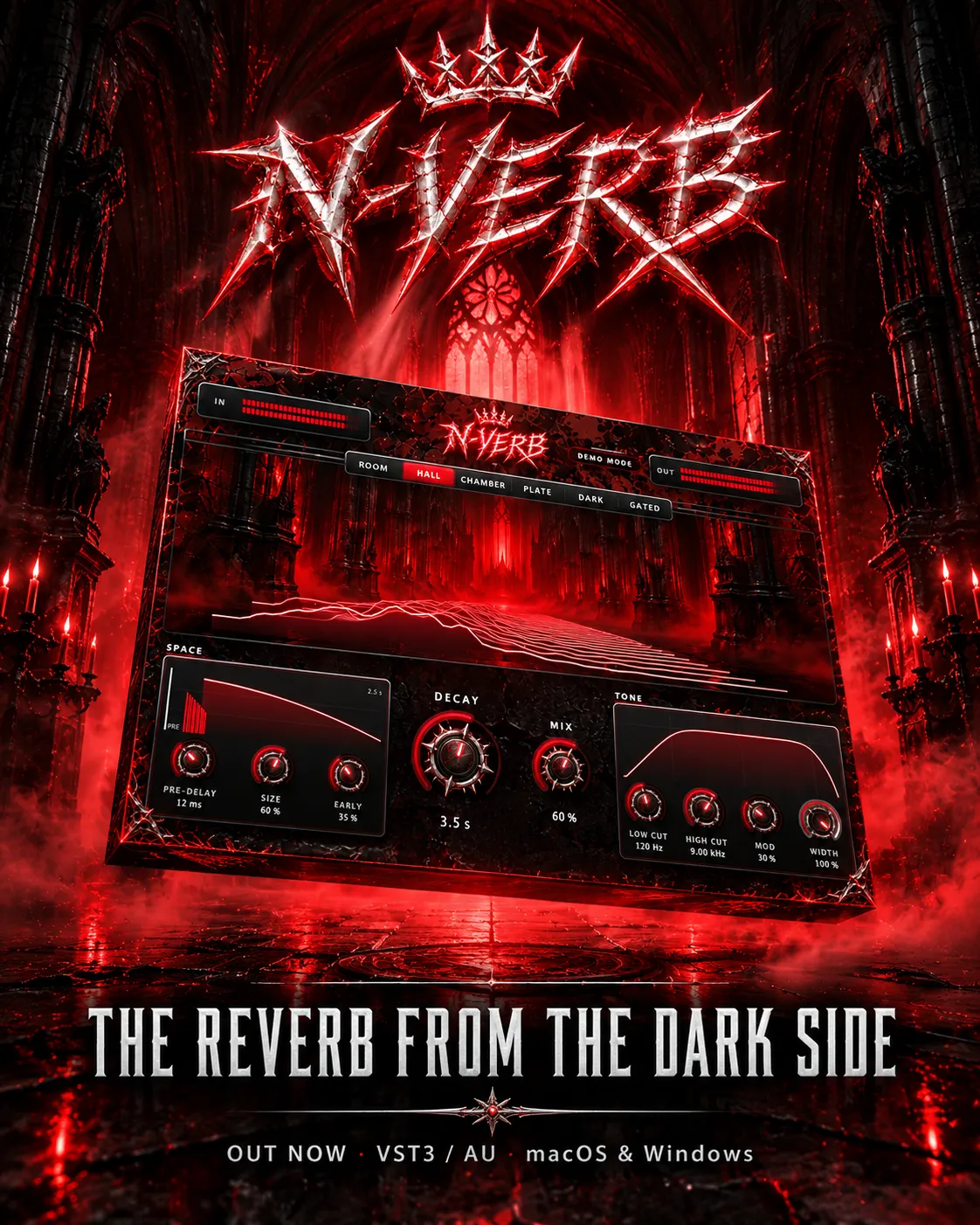
Six reverb types, nine controls and a sound built for hard music. Big, dark and under control. For macOS and Windows.
NeoX Audio · Reverb
See the tail. Shape the space.
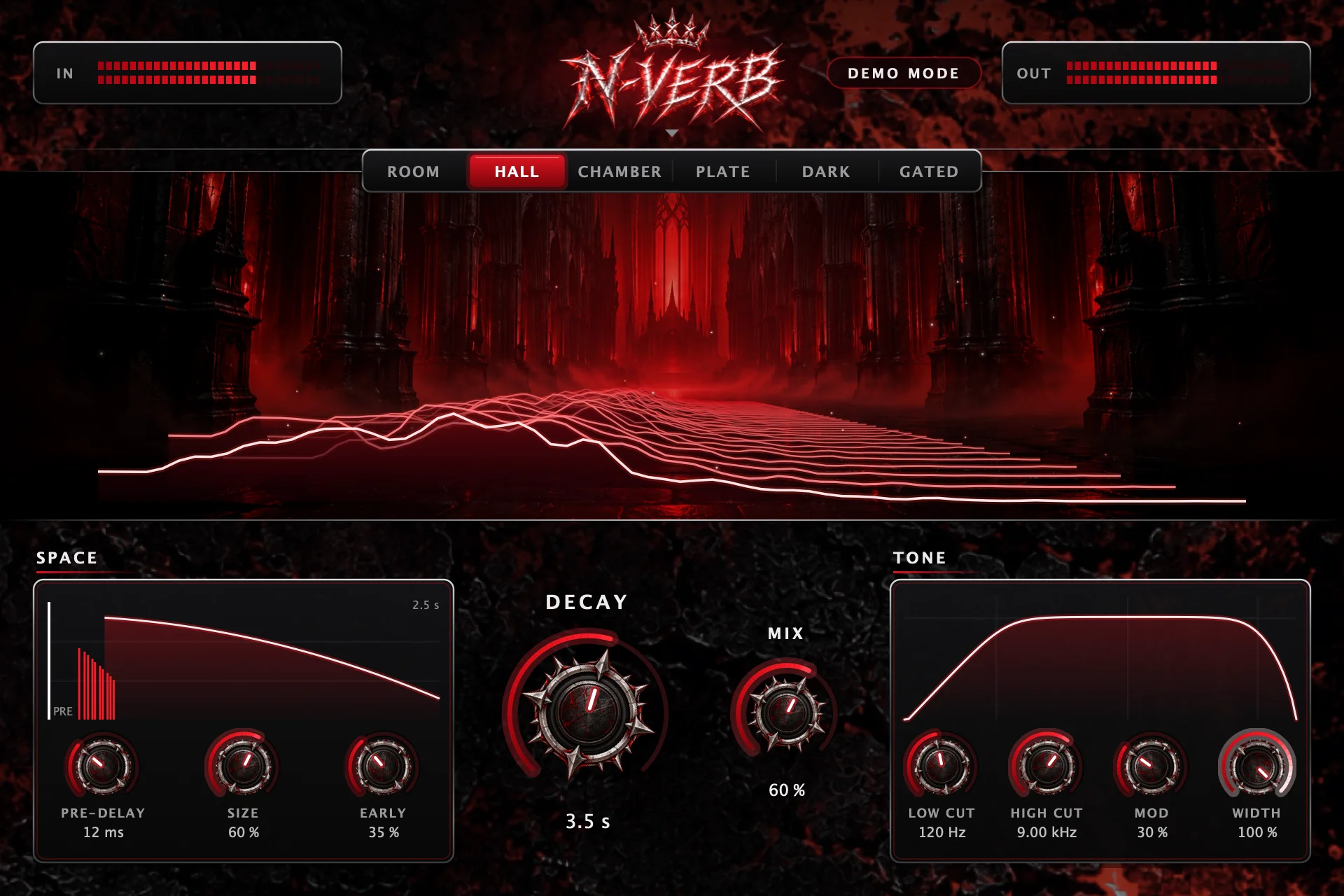
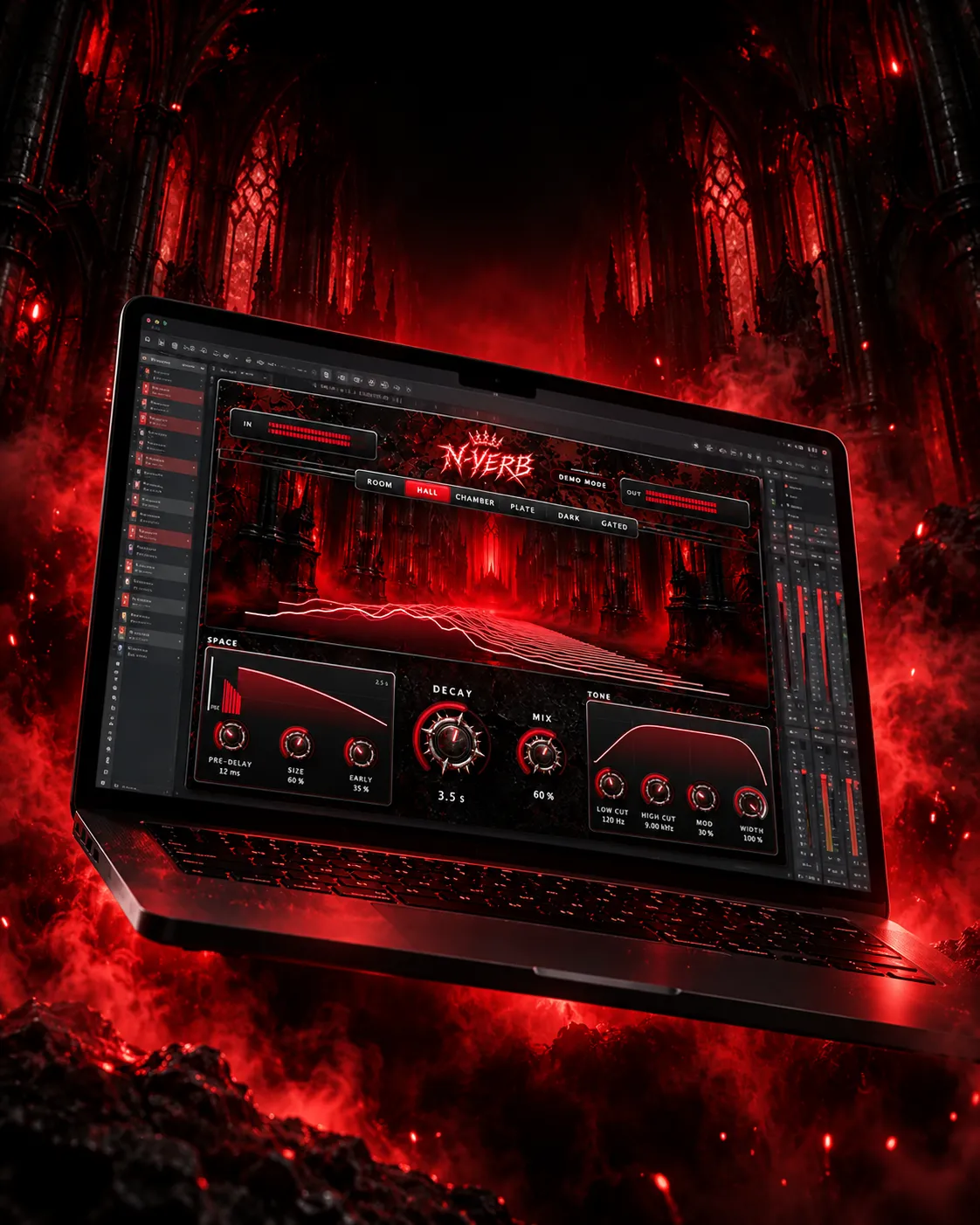
The cathedral on screen is not decoration: the reverb tail runs down the nave in real time, so you can see how long and how dark your space is while you play.
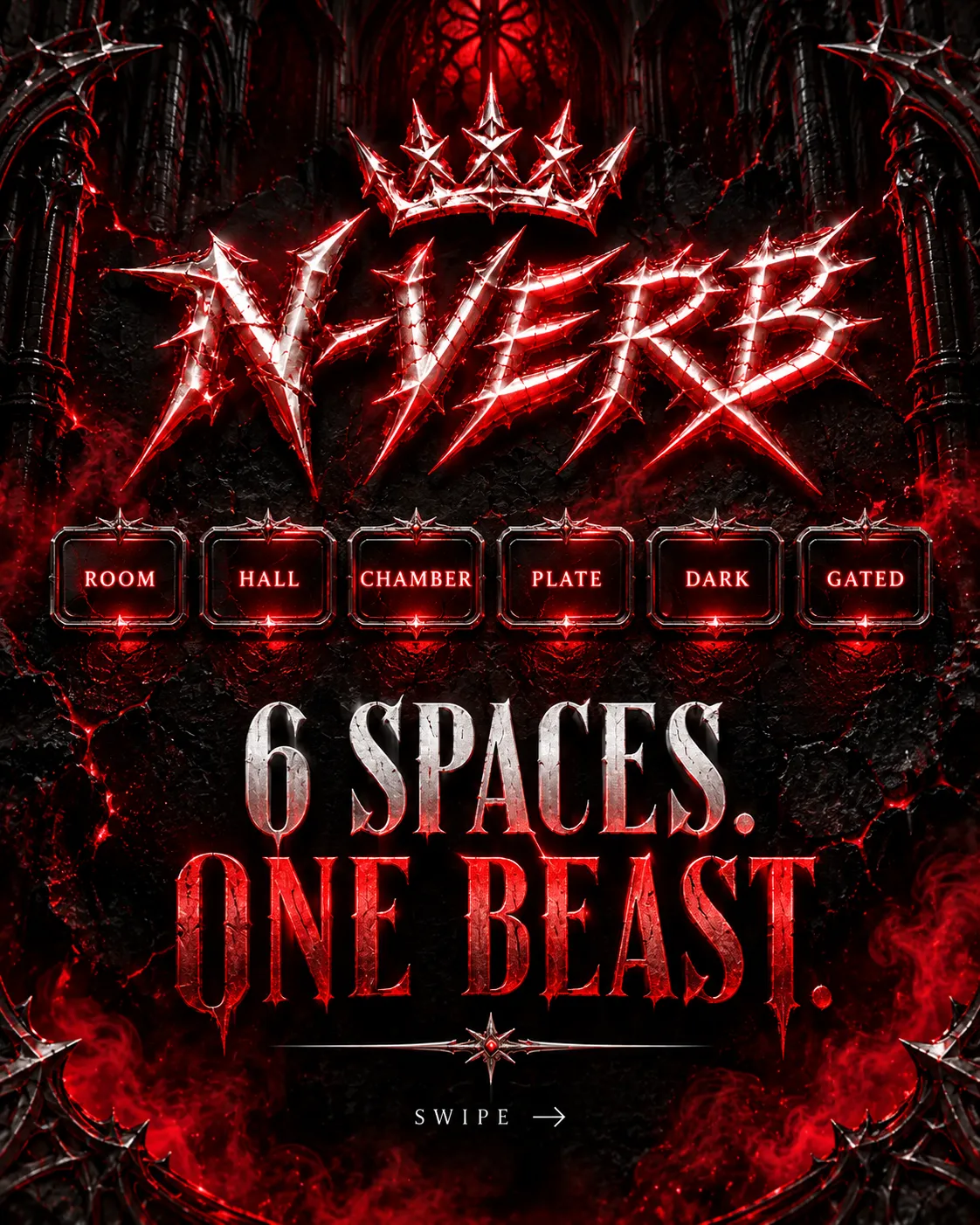
Six spaces
Six spaces. One beast.
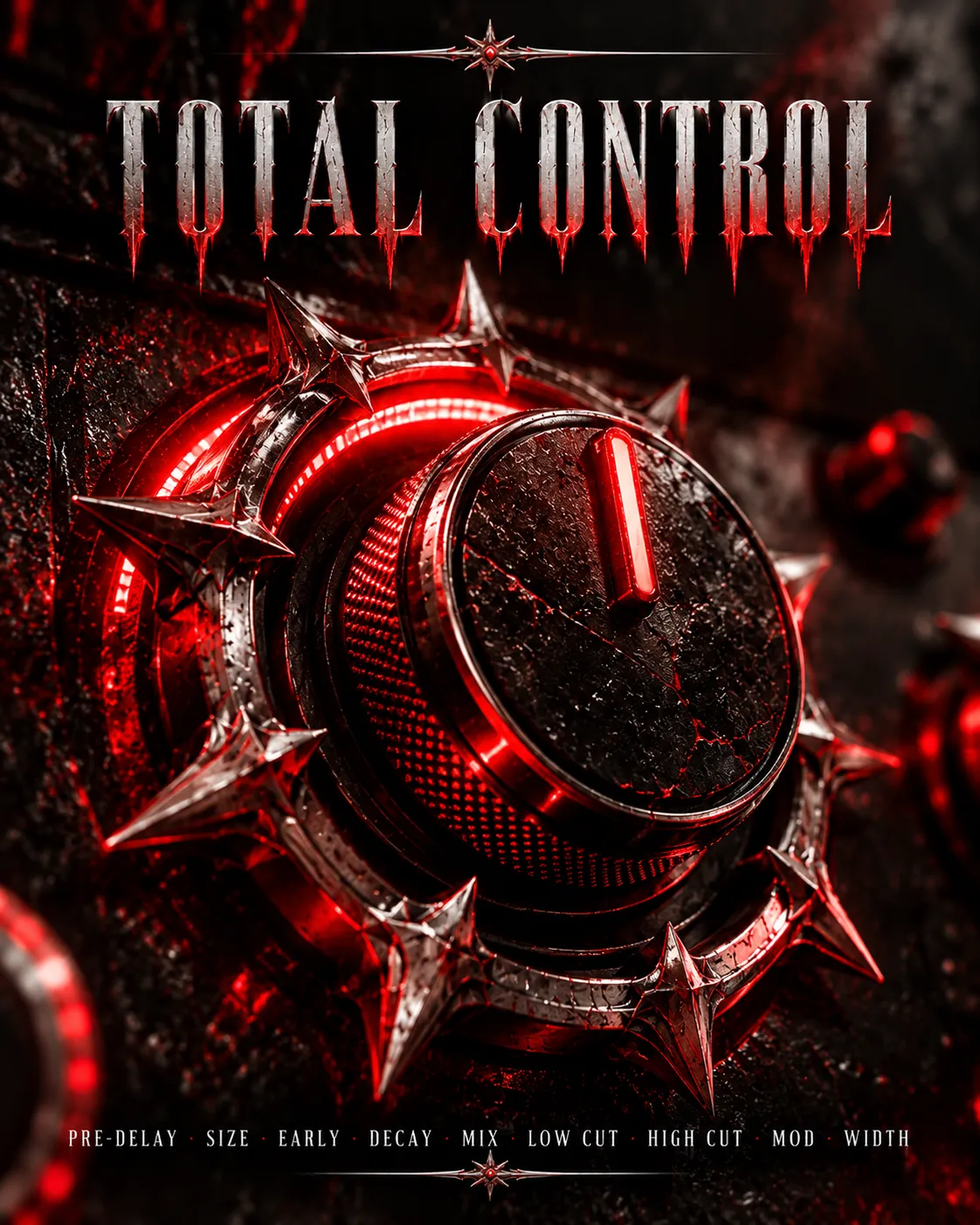
Nine controls
Total control
- Space: Pre-Delay, Size and Early reflections, with a live view of the reflections and the tail.
- Decay & Mix: the two knobs you touch most, big and in the centre.
- Tone: Low Cut and High Cut with their curve on screen, Mod for movement and Width for the stereo image.
- In / Out meters to always see what is going on.
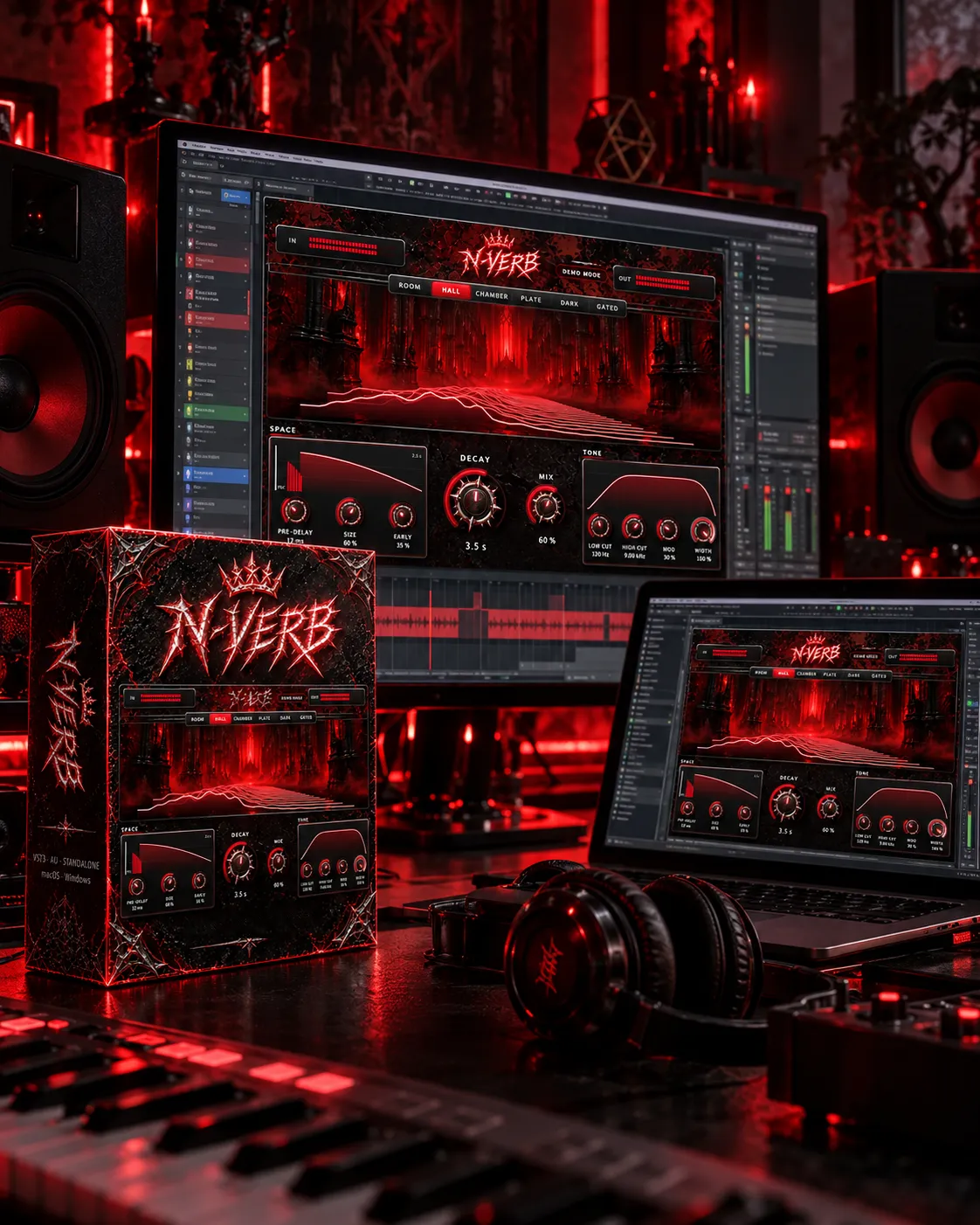
Free demo
Try it free
The demo is the full plugin: every type and every control. Until you activate it, the sound goes silent for a moment every 45 seconds. Bought it? Download the same installer and paste your serial number.
macOS
Download for Mac .dmg · VST3, AU and Standalone · macOS 10.15 or later · Apple Silicon and Intel- Open the .dmg and double-click Install N-VERB.pkg.
- macOS says it cannot verify the developer. That is normal for independent plugins: click Done.
- Go to System Settings → Privacy & Security, scroll down and click Open Anyway next to “Install N-VERB.pkg”. Enter your Mac password.
- Follow the installer, then open your DAW and rescan your plugins.
Windows
Download for Windows .exe · VST3 and Standalone · Windows 10 / 11, 64-bit- Run N-VERB-Windows-Setup.exe.
- If Windows shows “Windows protected your PC”, click More info and then Run anyway.
- Follow the installer. The VST3 goes to C:\Program Files\Common Files\VST3.
- Open your DAW and rescan your plugins.
Why the warning? N-VERB is made by an independent label, and the operating system shows it the first time for any installer that does not come from a big software company. You only see it once, when you install. The plugin itself never asks again.
Specs
The details
- Formats
- VST3, AU (Mac) and Standalone
- macOS
- 10.15 or later, Apple Silicon and Intel (native)
- Windows
- Windows 10 / 11, 64-bit
- Licence
- One serial number for up to 3 computers. Activate online in the plugin; deactivate a computer to move it to another one. Offline activation available.
- Demo
- Full plugin, goes silent for a moment every 45 seconds until activated.
FAQ
Questions
How do I activate it?
After buying you get your serial number by email and in your order. Open N-VERB in your DAW, click the N-VERB logo → Licence, paste the serial number and press ACTIVATE. You only need internet for that moment.
Can I use it on two computers?
Yes, on up to 3. To move it, press “Deactivate this computer” in the Licence window and activate it on the new one.
My studio has no internet
Use offline activation: send us the machine ID shown in the Licence window together with your serial number at [email protected] and we will send you a licence file.
Which DAWs?
Any DAW that loads VST3 or AU: Cubase, Ableton Live, FL Studio, Logic Pro, Studio One, Reaper, Bitwig…
Is the download the same for the demo and the full version?
Yes. Install it once; your serial number unlocks it.